Spotify v2000 for Live Streaming






Allows broadcaster and moderators to control Spotify player during live streams via commands and users to submit song requests via commands or Twitch Channel Points.
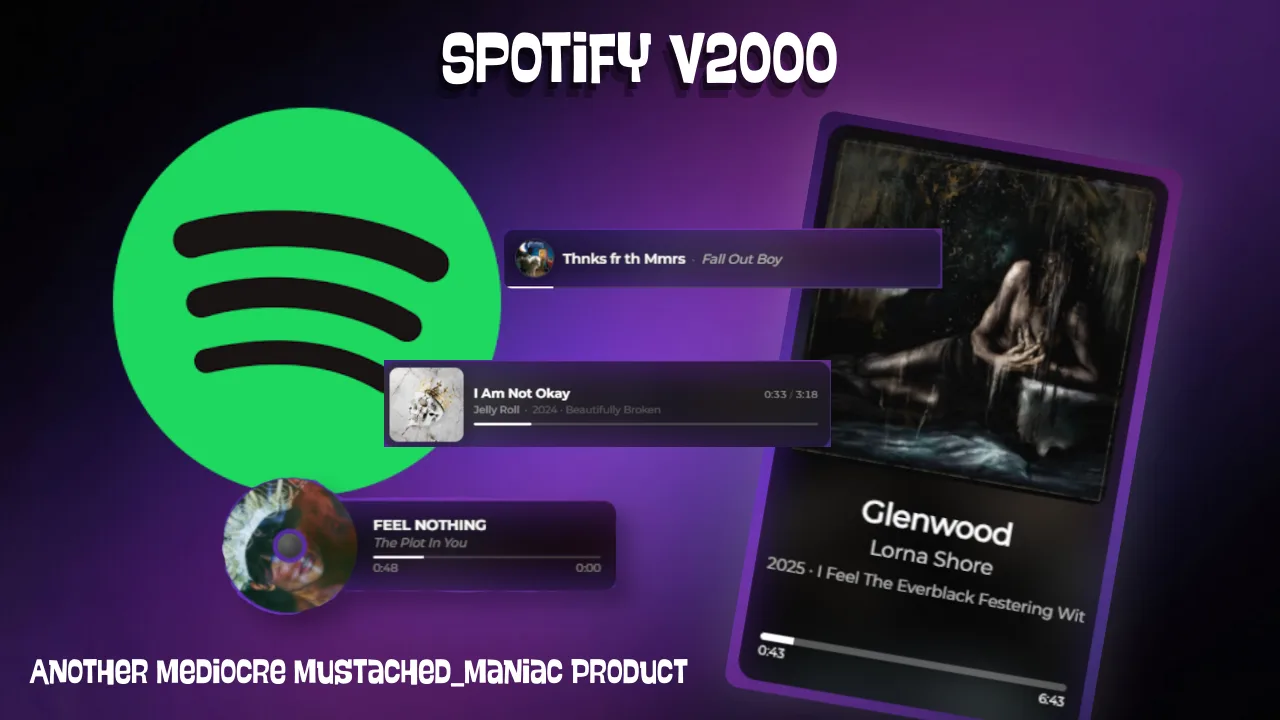
Download Spotify v2000 for Live Streaming
Click the button below to download Spotify v2000 for Live Streaming! If you find it useful, consider leaving a tip to support development.
Listeners can submit song requests in chat via artist/song, or they can drop a Spotify link and accomplish the same thing. With this extension, each action is completely independent, meaning you can have your volume automatically adjust when you change scenes, pause the music when you switch to just chatting, or tie a channel point redeem to playing a specific song...the possibilities really are endless!
Adding the DLL
Obtaining your Spotify API Key
Go over to the Spotify Developer website and sign in, or create an account. Once you've signed in, follow the steps below.
Spotify Live Streaming Extension Available Controls
All of the commands listed below are NOT case-sensitive and can be customized for your stream/community.
| Command | Feature | Aliases | Modifiers | Notes |
|---|---|---|---|---|
!addSong | Add to playlist | — | — | Requires a playlist selected via !playlists first. |
!volume | Adjust volume | !vol | 0–100, +X, -X | e.g. !volume 75, !vol -10 |
!blockSong | Block a song | — | track URI, title | Skips current track and adds to blocked list. |
!song | Current song | — | — | Shows now-playing regardless of auto-notifications. |
!last | Last played | !lastSong | 1–50 | !last 3 shows previous 3 tracks. |
!queue | Show queue | !spotQueue | number | !queue 5 shows next 5 requests. |
!link | Song link | !spotLink, !songLink | — | Posts Spotify URL for current track. |
!mySongs | My requests | — | — | Shows your queue positions and estimated wait times. |
!pause | Pause | !spotPause | — | Pauses playback on selected device. |
!playPlaylist | Play playlist | — | — | Plays the most recently selected playlist. |
!previous | Previous song | !prev, !spotPrev | — | Jumps to previously played track. |
!restart | Restart song | !restartSpot | — | Seeks to beginning of current track. |
!play | Play/Resume | !spotPlay | — | Resumes playback on selected device. |
!skip | Skip song | !next, !spotSkip | — | Skips current track immediately. |
!sr | Song request | !request, !songRequest | — | Accepts search terms, YouTube links, or Spotify URIs. No albums/playlists/artist pages. |
!unblockSong | Unblock song | — | number, name | Alone lists blocked tracks; supply index or name to remove. |
!playlists | List/select playlist | !playlist | number | !playlists 2 selects the second playlist. |
!voteSkip | Vote to skip | !vSkip | — | Lets viewers vote to skip current track (if enabled). |
!wrongSong | Wrong song | — | — | Marks your last request as invalid, skipped when it reaches the queue front. |
!spotifyCommands | List commands | — | — | Prints all available commands in chat. |
!selectDevice | Select playback device | — | number | !devices 3 selects the third device. |
Overlay for Spotify Now Playing Widget
The Now Playing widget is a fully customizable browser source overlay displaying your current track. Choose your style below, configure the font, colors, and other options, then copy the URL directly into OBS, Meld Studio, or SLOBS as a browser source — it updates automatically.
Album Card
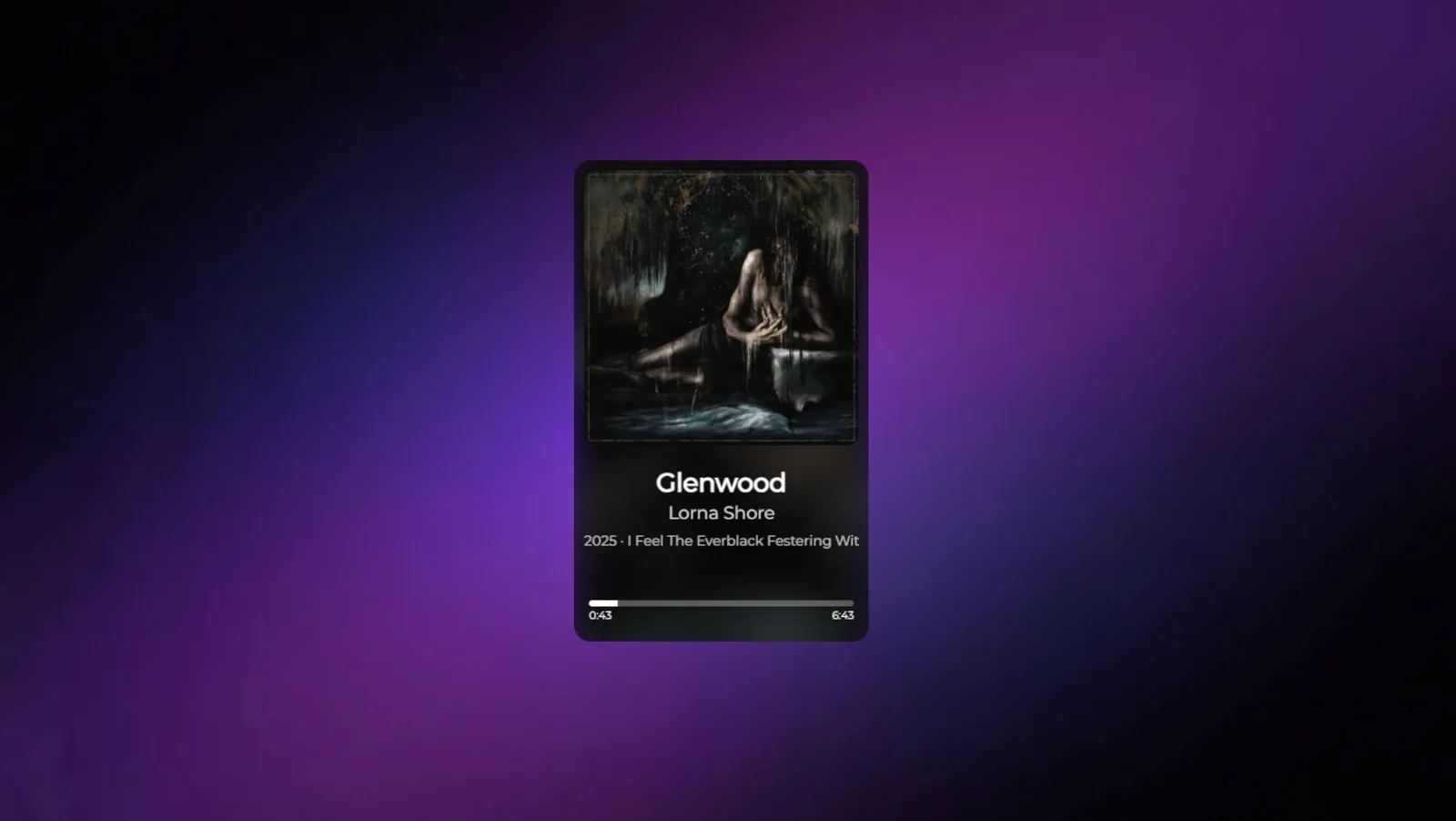
Full card with blurred background, progress bar, and scrolling marquee
Spinning CD
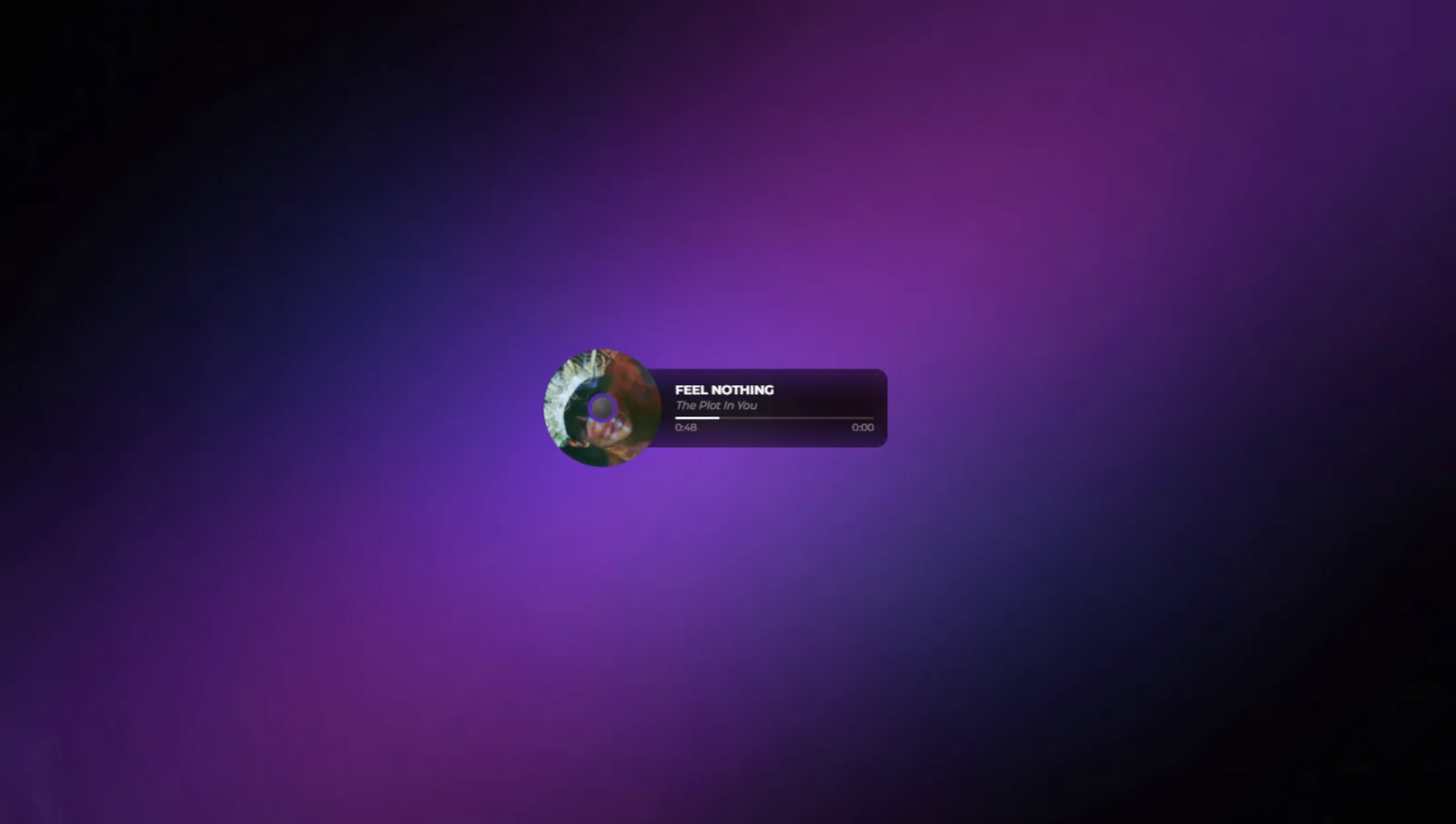
Animated disc with collapsible info panel — pauses when music stops
Compact
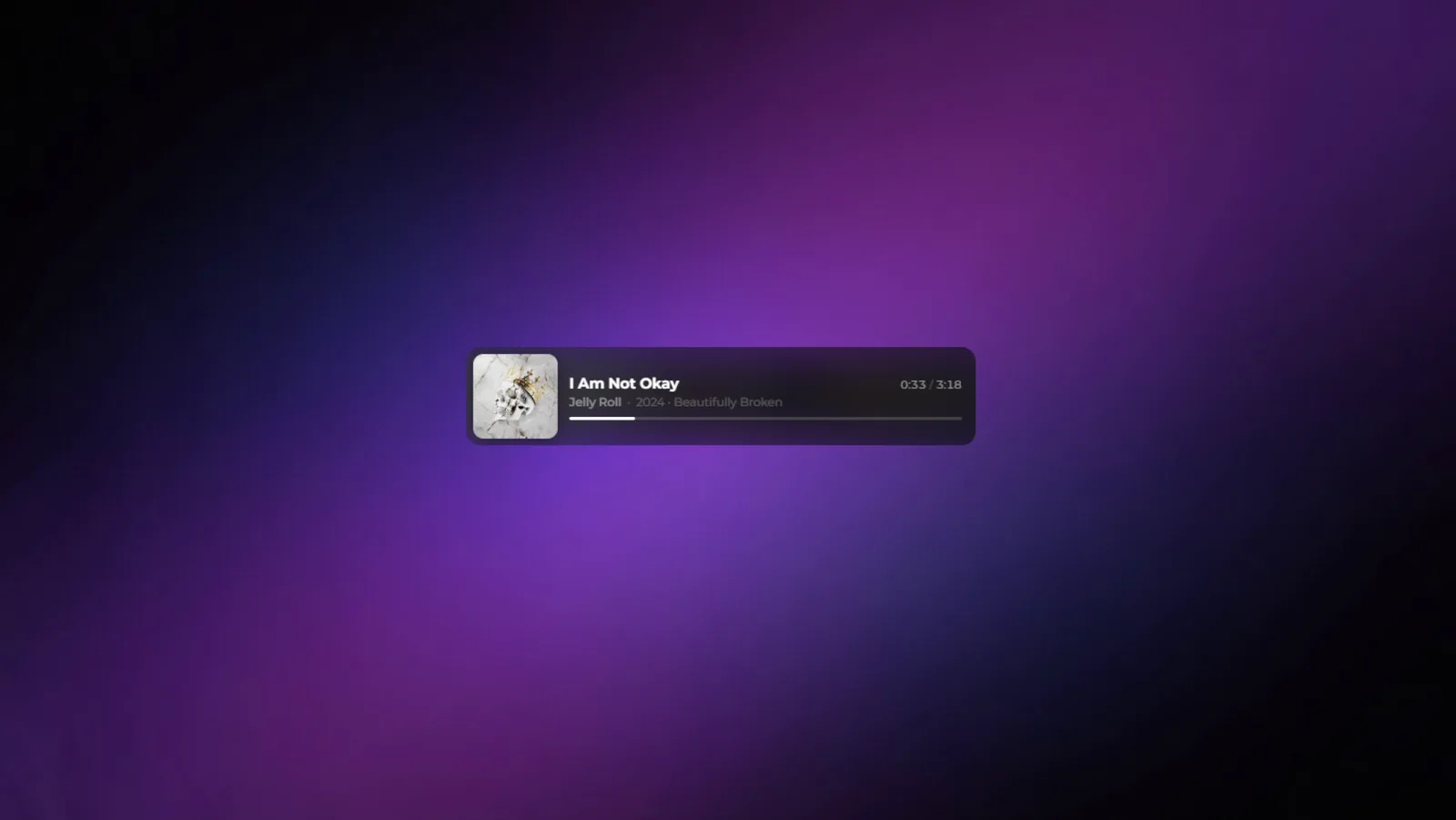
Wide ribbon with large album art and progress bar
Minimal
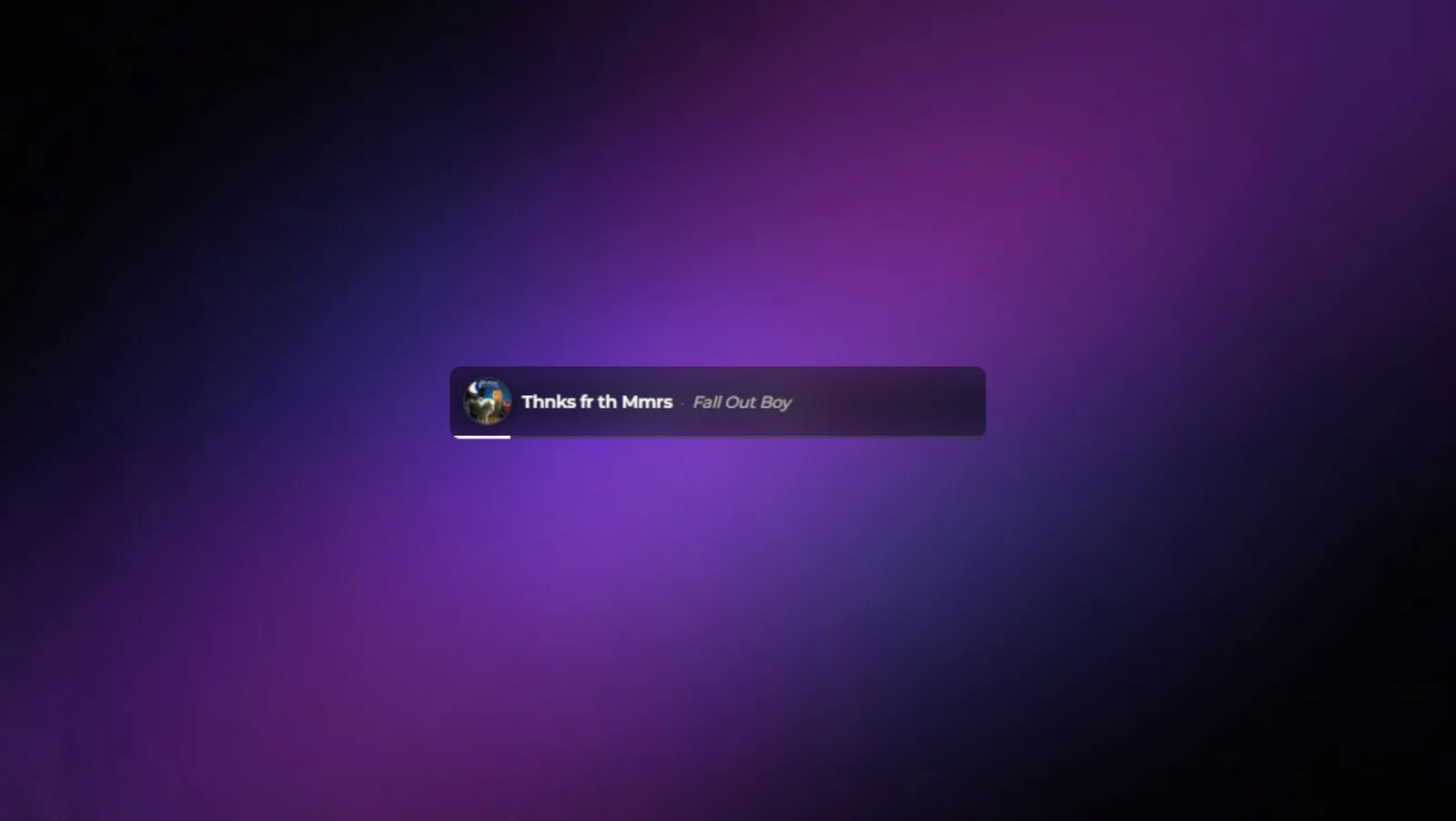
Slim bar with blurred album art background and circle avatar
Live Preview
Add your Now Playing Overlay to OBS, Meld Studio, or SLOBS
Available Streamer.bot Arguments
The following arguments are set automatically on every song change and are available in any Streamer.bot action.
| Argument | Type | Description |
|---|---|---|
songName | string | Title of the currently playing track |
artistName | string | Artist name(s), comma-separated if multiple |
albumName | string | Name of the album |
releaseYear | string | Year the album was released |
albumImage | string | URL of the album artwork |
albumTracks | string | Total number of tracks on the album |
trackNumber | int | Position of this track on the album |
durationMs | int | Track duration in milliseconds |
songLink | string | Spotify URL for the track |
spotifyUri | string | Spotify URI for the track (e.g. spotify:track:...) |
isPlaying | bool | Whether Spotify is currently playing |
volume | int | Current Spotify volume (0–100) |
skipVotes | int | Number of active !voteSkip votes on the current track |
queueCount | int | Number of songs currently in the request queue |
songRequest | bool | Whether the current track was a viewer request |
requestorName | string | Display name of the viewer who requested the track |
requestorPic | string | Profile picture URL of the requestor |